

Vendor lock‑in rarely announces itself. There's no single moment where you sign a contract and realize you're trapped. It shows up two years later, when you want to switch help desks and discover your macros, routing logic, conversation history, and half your reporting live inside a vendor's proprietary data model with no clean way out. The migration quote comes back at six figures and four months, and suddenly staying feels cheaper than leaving — which is exactly how the vendor priced it.
Most advice on this topic stops at "negotiate better contracts" or "read the data export clause." Necessary, but not enough. Lock‑in isn't a legal problem. It's an architecture problem. The real question isn't whether your contract lets you export data — it's whether your support technology strategy was designed so that any single vendor is replaceable without touching the rest of the system.
This is a pillar-level walkthrough of how to build that. We'll cover the event contracts and ingestion layers that keep your data vendor-neutral, the middleware patterns that let you swap tools underneath your workflows, a realistic 8–12 week migration roadmap you can adapt, and the exit tests that tell you whether you're actually portable or just pretending to be.
Why lock‑in happens even to teams that saw it coming
Most locked-in teams knew the risk existed. They asked about data export during procurement. The vendor said yes, you own your data, full export available. Everyone moved on.
The problem is that "you own your data" and "your data is usable somewhere else" are completely different claims. A help desk might export your tickets as a CSV, but that export won't include the internal state machine, the custom field relationships, the macro logic, the routing rules, or the way conversations are threaded across channels. You get the raw material with none of the structure. Rebuilding that structure in a new tool is where the real cost lives.
There's a deeper reason this keeps happening. During normal operations, the vendor's data model is your data model. You build your reports around their field names. Your agents learn their interface. Your integrations call their specific API shapes. Every workflow you create deepens the dependency — quietly, without anyone consciously deciding to get more locked in. By the time you want out, the vendor isn't one tool in your stack. It's the floor everything else stands on.
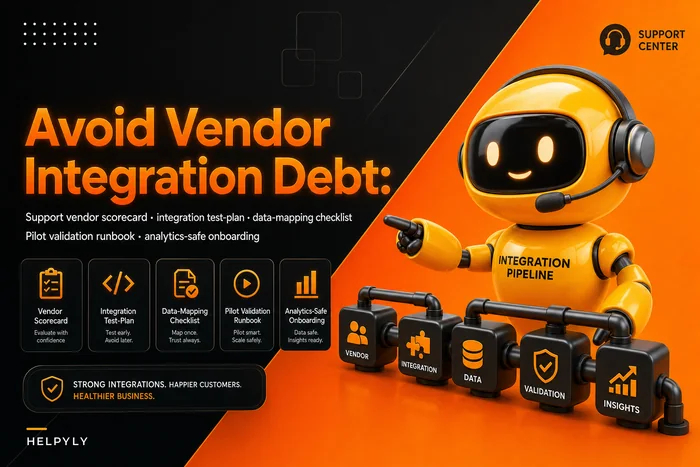
This pattern holds across small teams and large ones. A 12-person team gets locked in just as thoroughly as a 200-person one; the small team just has less leverage to negotiate their way out. The architectural fix is the same regardless of size, and it's cheaper to build early than to retrofit later. If you're still in the selection phase, the thinking in Avoid vendor integration debt when selecting support vendors will save you a lot of pain down the road.
The core idea: own the contract, not the vendor
The single concept that makes a support stack vendor-neutral is this: you define the data contracts, and vendors conform to them — not the other way around.
Never let a customer request slip through the cracks.
Helpyly helps you track, resolve, and optimize every support interaction effortlessly.
- Centralized ticket management
- Automated customer notifications
- Performance analytics dashboard
No credit card required
In a locked-in architecture, your workflows speak the vendor's language. When a ticket is created, your automation reacts to the vendor's webhook, in the vendor's format, with the vendor's field names. Swap the vendor and every one of those reactions breaks.
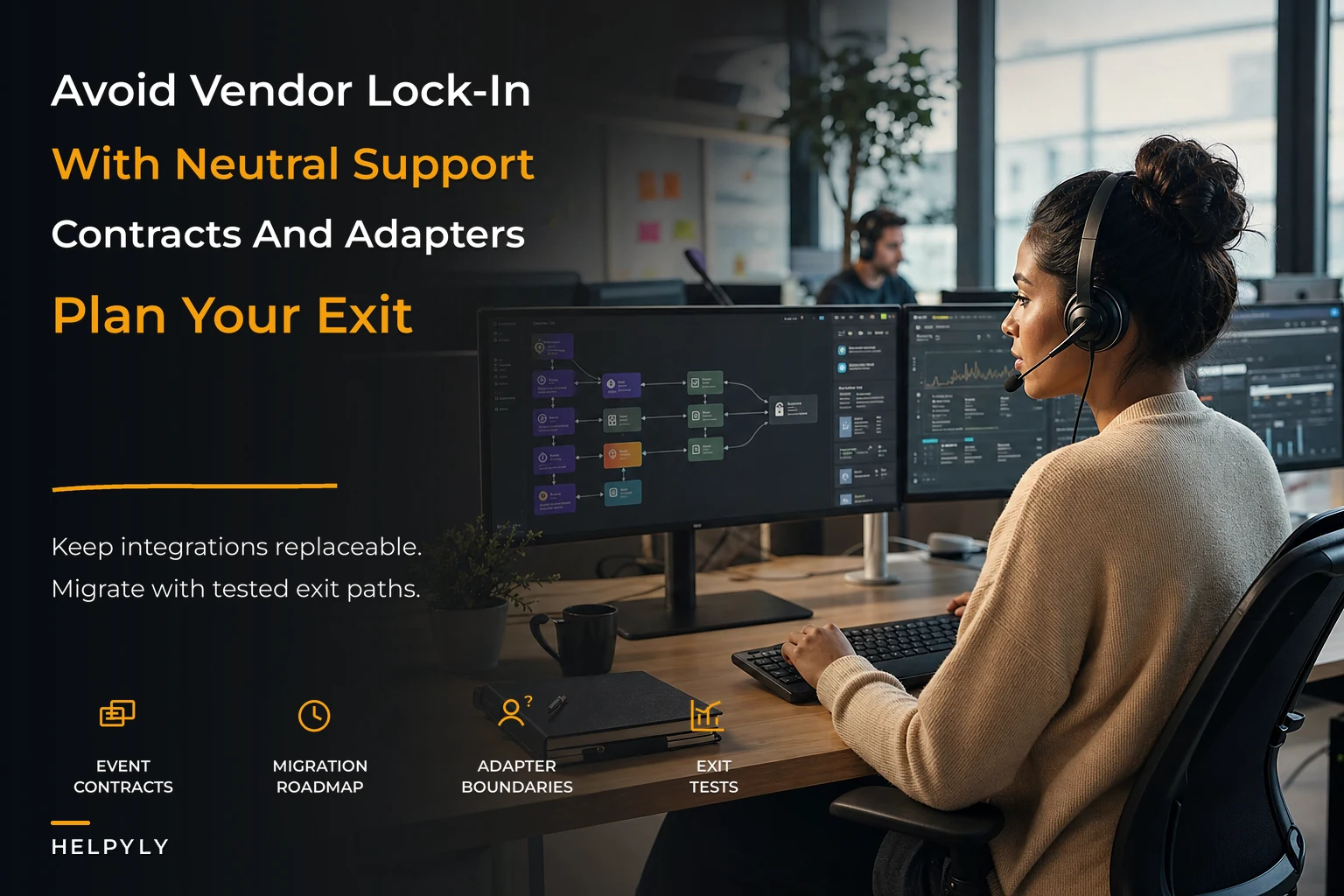
In a vendor-neutral architecture, there's a translation layer in the middle. The vendor emits whatever it emits, and an ingestion layer immediately normalizes it into your canonical event format. Everything downstream — routing, reporting, automation, SLAs — reads your format, not the vendor's. When you swap vendors, you rewrite one adapter. Everything downstream keeps working because it never knew which vendor was underneath.
That's the whole game. The rest is implementation detail. But the implementation detail matters.
Event contracts: the stable interface your business actually depends on
-
conversation.created -
conversation.assigned -
conversation.message_added -
conversation.status_changed -
conversation.resolved -
conversation.reopened
Each one carries a normalized payload: a canonical conversation ID you control, a customer identifier that doesn't depend on the vendor's internal IDs, channel, timestamps in a single timezone standard, and a status mapped to your status vocabulary rather than the vendor's.
That last point is where teams cut corners and regret it. Vendor A has statuses like "open / pending / solved." Vendor B uses "new / active / waiting / closed." If your reporting reads vendor statuses directly, migrating vendors silently breaks every historical trend. If you map both into your own canonical set at ingestion time, your reports survive the swap untouched. The mapping table is boring to maintain and pays for itself the first time you change tools.
A realistic canonical status set: new, inprogress, waitingcustomer, waiting_internal, resolved, reopened. Six states covers almost everything. Resist adding more — every extra state is another mapping decision you'll have to make for every future vendor.
The ingestion layer: where vendor chaos gets normalized
The ingestion layer sits between vendor webhooks and your internal event stream. Its only job is translation: receive the vendor's raw event, validate it, map it to your event contract, publish it onward. It should contain zero business logic. The moment routing rules or SLA calculations creep into the ingestion layer, you've recreated lock‑in in a new place.
-
Receive the raw webhook from the vendor at a dedicated endpoint — one endpoint per vendor, never shared.
-
Verify the signature and reject anything that fails, before parsing.
-
Deduplicate using the vendor's event ID, because vendors retry and you will get duplicates.
-
Map the raw payload to your canonical event contract using a vendor-specific adapter.
-
Validate the mapped event against your schema and route failures to a dead-letter queue for review.
-
Publish the clean canonical event to your internal stream.
Here's a simple diagram of that flow.
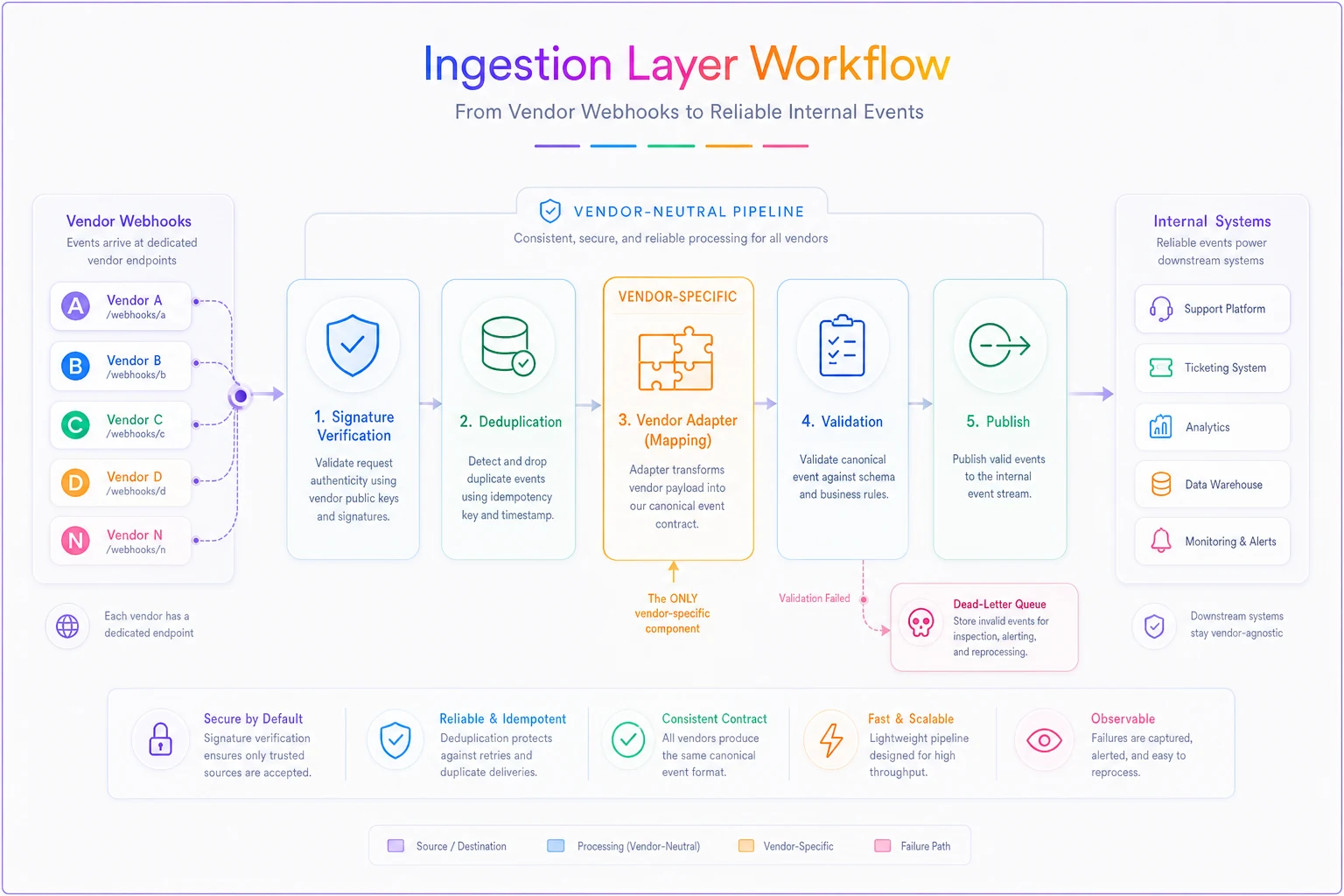
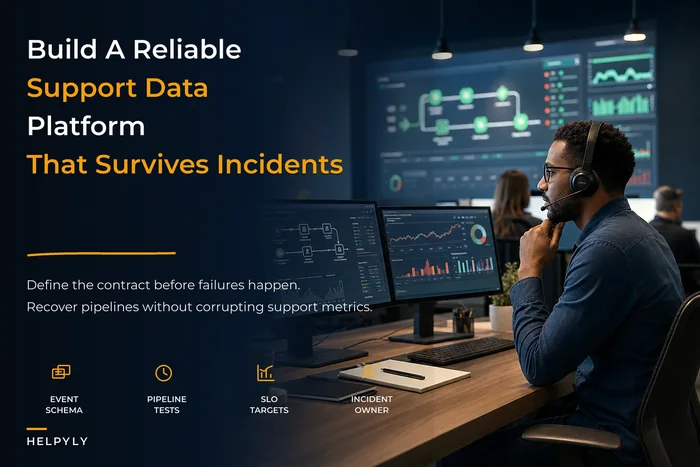
The adapter in step 4 is the only vendor-specific code in the whole pipeline. That's the point. When you migrate, you write a new adapter and leave steps 1–3 and 5–6 alone. This normalized stream overlaps heavily with building an operational support data platform with schema and SLOs — if you've already done that work, you're most of the way to a portable ingestion layer.
Keep adapters small and well-documented so a new engineer can implement a replacement vendor quickly.
Middleware and failover: swapping vendors without downtime
Once events are normalized, middleware is what reads them and drives your actual workflows — routing, assignment, SLA timers, notifications. Because middleware only reads canonical events, it doesn't care which vendor produced them. This is what makes a side-by-side migration possible: run two vendors at once, both feeding the same event stream, and your workflows treat them identically.
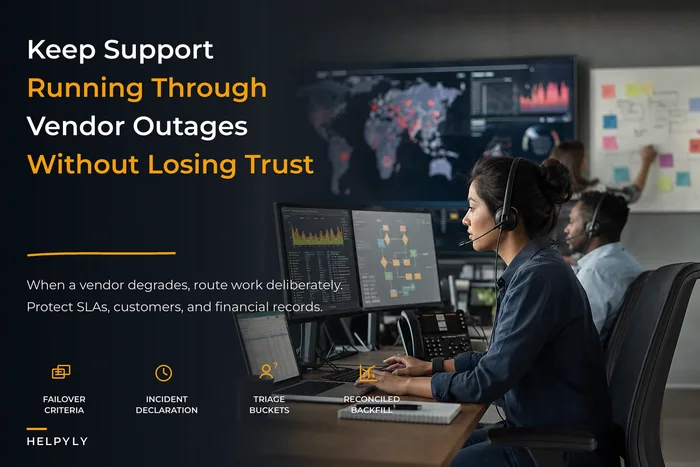
Failover works the same way. If your primary help desk's API goes down, middleware can degrade gracefully — queueing outbound actions, routing new conversations to a backup channel, holding SLA timers — because the workflow logic isn't trapped inside the vendor. There's more on the operational side of outages in the support continuity playbook for vendor outages, but the architectural prerequisite is exactly this separation: your continuity plan can only be as good as your decoupling allows.
Here's how the two architectures compare in practice:
| Dimension | Vendor-coupled stack | Vendor-neutral stack |
|---|---|---|
| Who defines the data model | The vendor | You |
| What breaks when you swap vendors | Routing, reporting, automations, integrations | One adapter |
| Historical reporting after migration | Resets or fragments | Continuous |
| Running two vendors in parallel | Painful, often impossible | Normal operating mode |
| Failover during an outage | Manual scramble | Pre-built degradation path |
| Typical migration timeline | 4–6 months | 8–12 weeks |
The difference in migration timeline alone tends to get leadership's attention. But the reporting continuity point is arguably more important — losing your historical trend data mid-migration is a real operational cost that rarely makes it into the migration estimate.
An 8–12 week migration roadmap you can copy
This assumes you already have the ingestion layer and event contracts in place. If you don't, add 3–4 weeks up front to build them — and that's the most valuable work you'll do, because it's reusable for every future migration.
Weeks 1–2: Inventory and contract validation. Map everything the current vendor does for you — not just tickets, but macros, routing rules, custom fields, integrations, reports, and SLA definitions. For each one, ask: does this already flow through your canonical event contract, or is it reading vendor-specific data directly? The direct readers are your migration risk. List them explicitly.
Weeks 3–4: Build the new vendor's adapter. Write the ingestion adapter that maps the new vendor's webhooks into your canonical events. Test it against every event type in isolation. This is the only genuinely new code, and if your contracts are solid, it's smaller than people expect.
Weeks 5–6: Shadow mode. Point the new vendor at your ingestion layer and run it in parallel, processing real events but taking no live actions. Compare its normalized output against the primary vendor's for the same conversations. Discrepancies here are mapping bugs you want to catch now, not in production.
Weeks 7–8: Partial live traffic. Route a slice of real conversations — one channel, one queue, or roughly 10% of volume — through the new vendor for real. Keep the old one running. Watch SLA metrics and agent experience closely. Because both vendors feed the same event stream, your reporting treats this as one unified dataset.
Weeks 9–10: Scale up and cut over. Increase new-vendor volume in stages. Once metrics hold steady at full volume, switch the old vendor to read-only. Don't delete anything yet.
Weeks 11–12: Decommission and document. Confirm the old vendor is no longer taking live traffic, export its historical data into your canonical format one final time, and then wind down the contract. Document what the adapter does so the next migration is faster.
The reason this fits in 8–12 weeks instead of six months is the parallel-run capability. You're never doing a terrifying big-bang cutover. You're gradually shifting traffic while both systems feed one neutral event stream. That's the part that makes the timeline believable rather than optimistic.
Integration and exit tests managers can copy
You don't find out whether you're actually portable at migration time. You find out whether you bothered to test portability before you needed it. These are tests a support or ops manager can run without being an engineer — hand them to whoever owns the integration and ask for evidence, not reassurance.
Integration tests (run during onboarding of any vendor):
-
Can every core event type be produced and correctly normalized into our canonical contract?
-
Do vendor statuses map cleanly to our six canonical statuses, with no "other" bucket silently swallowing edge cases?
-
When the vendor sends a malformed or unexpected payload, does it land in the dead-letter queue instead of corrupting the event stream?
-
Can we reconstruct a full conversation timeline from canonical events alone, without querying the vendor?
Exit tests (run quarterly, not just at renewal):
-
Can we export the last 90 days of conversations in a format that reloads into our canonical schema without manual cleanup?
-
If this vendor disappeared tomorrow, which workflows break — and are any of them reading vendor data directly instead of canonical events?
-
How long would it take to write an adapter for a replacement vendor, and has anyone actually estimated it, or are we guessing?
-
Does our historical reporting survive a vendor swap, or is it secretly keyed to this vendor's field names?
The quarterly cadence matters more than it sounds. Lock‑in accumulates between renewals, when engineers under deadline pressure take the fast path and wire something directly to the vendor "just this once." Running exit tests every quarter catches those shortcuts while they're still cheap to fix.
Procurement-as-lifecycle: stop treating buying as a one-time event
Teams end up locked in because procurement gets treated as a purchase decision rather than a lifecycle decision. You evaluate, you buy, you implement, and portability never comes up again until you're desperate to leave. Treating procurement as a lifecycle means you plan the exit on the day you sign.
A lightweight lifecycle checklist that prevents integration debt:
-
At selection Require the vendor to demonstrate a real export that reloads into your canonical schema — not a promise, a live demo with your field mapping.
-
At selection Confirm every core event you depend on is available via webhook or API, not just visible in their UI.
-
At implementation Build the vendor behind your ingestion adapter from day one. Never let a workflow read vendor data directly, even temporarily.
-
At implementation Document the adapter and the status mapping as part of the rollout, not as an afterthought.
-
Ongoing (quarterly) Run the exit tests. Flag any new direct dependencies.
-
At renewal Re-estimate switching cost. If it's climbing, something leaked past the ingestion layer — find it.
-
At renewal Negotiate from a position of genuine portability, which is only credible if you've been running the exit tests all along.
That last point is the whole payoff. Negotiation leverage isn't about how good your lawyer is. It's about whether you can actually walk away. Vendors can tell the difference between a team bluffing about migration and a team that has an adapter half-written and historical reporting that doesn't care which tool is underneath.
A realistic scenario
A mid-sized SaaS support team — around 30 agents, handling somewhere between 18,000 and 20,000 conversations a month across email, chat, and a social channel — ran everything inside a single help desk for about three years. When they outgrew it on routing flexibility and wanted to switch, the first migration quote came back at close to four months of work, mostly rebuilding routing logic, custom fields, and reporting in the new tool. They stayed another year because leaving was too expensive.
In that extra year, they did the architectural work instead: defined six canonical events, built an ingestion layer, and moved all routing and reporting to read canonical events rather than vendor payloads. When they migrated the following year, the new-vendor adapter took a few weeks to build and test. The actual cutover ran in parallel over about nine weeks with no reporting discontinuity and no SLA dip that customers noticed.
The numbers aren't really the interesting part. What's interesting is that nothing about the second migration was heroic. The architecture made it routine.
When this is worth it — and when it isn't
This makes sense when you're running meaningful volume across multiple channels, you have at least some engineering capacity, and switching cost is a real strategic risk. Any team past roughly 15–20 agents with real integration complexity should treat vendor-neutrality as table stakes.
This is overkill when you're a very small team on a single channel with a simple setup and no realistic near-term reason to switch. Building an ingestion layer to protect a five-person team running pure email support is solving a problem you don't have yet. Keep the concept in mind, but don't build the machinery.
Who should not do this: teams with no engineering access at all. The ingestion-layer and adapter pattern requires someone who can maintain integration code. If that doesn't exist, your realistic protection is contractual — export clauses, data portability terms, and a hard look at the selection advice in Avoid vendor integration debt when selecting support vendors — rather than architectural.
The thing most teams get backwards
The instinct is to pick the best vendor and build around it. The better instinct is to build an architecture that makes the vendor replaceable, and then pick whichever vendor is best right now — knowing you can change your mind later without it being a catastrophe.
That reframing changes how you buy, how you integrate, and how much leverage you carry into every renewal. A vendor-neutral support technology strategy doesn't mean distrusting vendors or churning through them constantly. Most teams who build this end up staying with good vendors longer, because they're staying by choice rather than by entrapment.
The freedom to leave is exactly what makes staying feel fine. And when a vendor does stop serving you, switching becomes a project with a date on the calendar — not a six-figure emergency you keep postponing until the next contract traps you all over again.
The freedom to leave is exactly what makes staying feel fine. And when a vendor does stop serving you, switching becomes a project with a date on the calendar — not a six-figure emergency you keep postponing until the next contract traps you all over again.
Ready to elevate your customer support?
Join 2,000+ support teams using Helpyly to reduce response times, automate workflows, and deliver outstanding customer experiences.